A simple 60-second daily check can help keep your solar and battery system working properly for years.
Installing solar does not mean you need to become an engineer.
A properly designed solar system works automatically. Your inverter manages the solar power, your battery charges and discharges, and your monitoring app records what is happening.
But automatic does not mean invisible.
Your installer is responsible for professional monitoring, troubleshooting, maintenance, warranty support and repairs. But you are the person who sees the system every day.
That makes you an important part of keeping it healthy.
The good news? It can take less than one minute a day.
The 60-Second Daily Solar Check
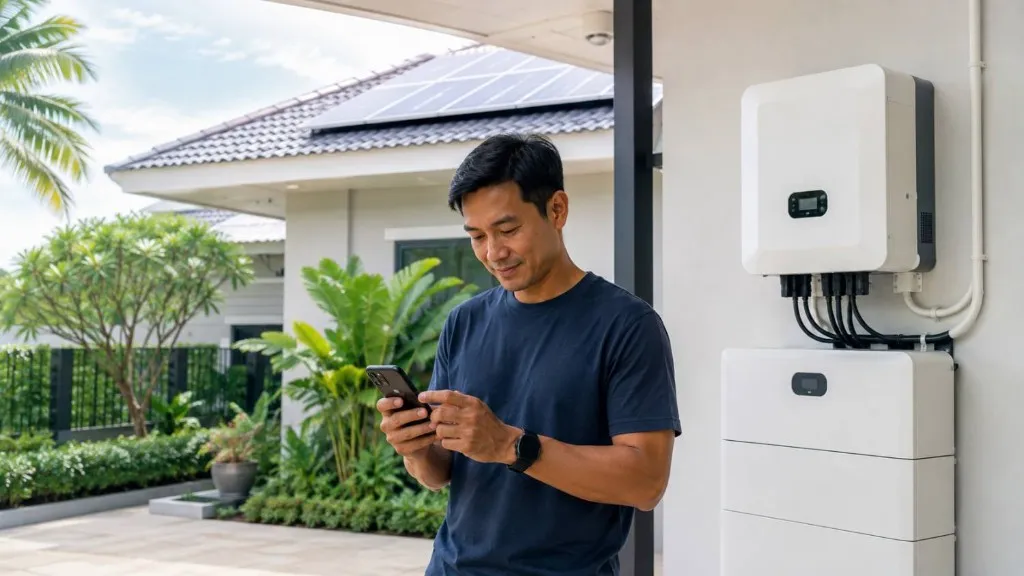
Open your solar monitoring app once a day.
You don't need to analyse graphs or understand technical numbers. Simply check that things look normal.
Look at:
- Is the system online?
- Is the solar system producing power during daylight?
- Is the inverter operating normally?
- If you have a battery, is it charging and discharging as expected?
- Is the battery State of Charge (SOC) reasonable?
- Are there any warning messages?
- Are there any alarms?
- Is today's production reasonably similar to what you normally see on a similar sunny day?
Don't worry about every small change.
Clouds, rain, shading, your electricity consumption and the time of year can all change solar production.
You are simply looking for something obviously different from normal.
You Don't Need to Understand an Alarm
This is important.
Many customers see an inverter or battery alarm and think:
"I don't know what this means. Maybe it will disappear."
Sometimes it does. A temporary warning does not necessarily mean something serious is wrong.
But if the same alarm keeps coming back, don't ignore it for days or weeks.
Contact us if you notice things such as:
- The same alarm repeatedly appearing
- An inverter repeatedly going offline
- A battery repeatedly showing a warning
- Communication repeatedly disappearing
- Solar production becoming unusually low
- The battery suddenly behaving differently
- Something that normally works suddenly stopping
And please don't worry about understanding the error code.
Take a screenshot and send it to us.
That's enough for us to start checking.
Look at Your Inverter Occasionally
Your monitoring app tells you a lot, but occasionally look at the actual equipment too.
You don't need to touch anything.
Simply notice whether something looks or sounds different.
For example:
- A red warning light
- An error message on the display
- Repeating alarms
- Unusual fan noise
- A fan suddenly running much more than usual
- Strange vibration
- An unusual electrical sound
- An abnormal smell
- Equipment appearing unusually hot
Your inverter contains electrical components and should only be opened or repaired by qualified personnel.
Observe it. Don't repair it yourself.
If something doesn't look right, take a photo or short video and contact us.
Have a Solar Battery? Check That Too.
Modern solar batteries normally require very little attention from the homeowner.
The Battery Management System, or BMS, manages important battery functions automatically.
But again, don't completely forget that the battery exists.
Keep an eye out for:
- Warning or red lights
- Repeated battery alarms
- Temperature warnings
- Battery unexpectedly going offline
- SOC behaving very differently from normal
- Battery not charging when expected
- Battery not discharging when expected
- Unusual sounds
- Abnormal smell
- Visible physical damage
Never open the battery enclosure.
And don't touch the battery simply to check whether it feels hot.
If you see a temperature warning, abnormal behaviour, smell, sound or physical problem, contact your installer.
Don't Forget the Solar Panels
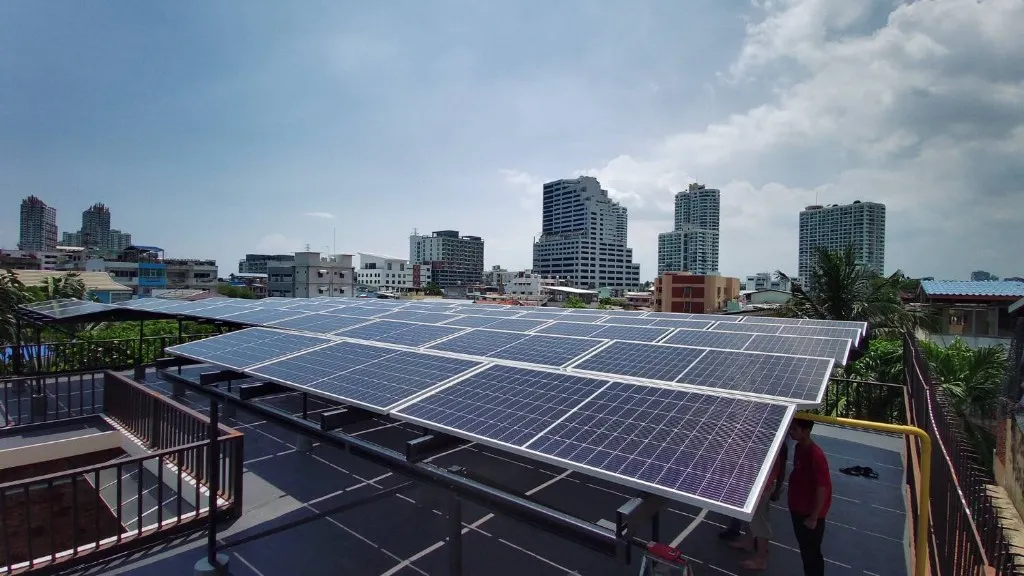
Your inverter and battery may be inside or protected, but your solar panels spend every day outside.
And Thailand gives them plenty to deal with.
Depending on where you live, panels can be exposed to:
- Dust
- Pollution
- Bird droppings
- Leaves
- Pollen
- Tree debris
- Construction dust
- Heavy rain
- High temperatures
- Humidity
- Coastal conditions
A little dust does not mean your panels need immediate cleaning.
Rain will also remove some dirt naturally.
But if there is significant dirt, bird droppings, leaves or other contamination covering the modules, solar production can be affected.
So every now and then, look at your panels from a safe location.
If they are clearly dirty, it may be time for proper cleaning.
Please Don't Climb Onto the Roof Just to Clean Your Panels
This is where a simple maintenance job can become dangerous.
Solar panels should be cleaned with proper equipment and appropriate methods.
Avoid abrasive cleaning materials, harsh chemicals or anything that may damage the module glass or surface.
Most importantly, do not climb onto an unsafe roof simply because the panels look dirty.
The electricity saved from cleaning a panel is not worth risking an accident.
If safe cleaning requires roof access, use properly equipped personnel.
Small Warning Signs Are Worth Checking Early
Imagine your inverter shows an alarm today.
Tomorrow it disappears.
Three days later it comes back.
Then again the following week.
The system is still producing power, so it is tempting to ignore it.
Don't.
A repeating alarm is information.
It might be something simple. It might require only a remote check. It might need a setting reviewed. Or a technician may need to inspect something.
The important part is finding out before a small issue becomes a bigger one.
Don't Be Shy — Contact Us
We mean this seriously.
You are not bothering us by asking about your solar system.
We would rather receive a screenshot today than hear from you after the system has completely stopped working.
If something looks strange, send us:
- A screenshot from your monitoring app
- A photo
- A short video
- The alarm code
- A short explanation of what you noticed
You don't need to diagnose the problem yourself.
Thai Solar Power can first determine whether the behaviour is normal, whether it can be checked remotely, or whether a technician needs to inspect the system.
What You Should NOT Do Yourself
Your responsibility as a solar owner is observation — not repair.
Unless instructed by a qualified technician, do not:
- Open an inverter
- Open a battery enclosure
- Disconnect electrical cables
- Touch DC connectors
- Repeatedly reset equipment
- Change inverter settings
- Change battery parameters
- Attempt electrical repairs
- Climb onto an unsafe roof
Remember this simple rule:
OBSERVE → SCREENSHOT OR PHOTO → CONTACT US
That's it.
Solar Maintenance Works Best as a Partnership
At Thai Solar Power, our responsibility continues after installation through system support, monitoring, troubleshooting, maintenance and after-sales service.
But there is one thing even the best remote monitoring cannot completely replace:
The person standing next to the system.
You may hear an unusual noise.
You may see a warning light.
You may notice that yesterday's production looked very different.
You may see that the panels have become heavily covered with dirt or leaves.
Those small observations can be very valuable.
So give your solar system 60 seconds a day.
And when something doesn't look right, don't wait until it is broken.
Contact us early.
Quick Owner Checklist
Every day — approximately 60 seconds
- Open your solar app
- Check that the system is online
- Check solar production
- Check inverter status
- Check battery SOC if applicable
- Look for alarms or warnings
Occasionally
- Look at your inverter
- Listen for unusual sounds
- Look for warning lights
- Visually check your battery system
- Check your solar panels for significant dirt or debris
Something unusual? Take a screenshot, photo or video and contact us.
FAQ
Do I really need to check my solar app every day?
We recommend a quick daily check. It should take less than one minute. You are not analysing the system — you are simply making sure it is online, producing normally and not showing repeated warnings.
Should I worry every time my inverter shows an alarm?
Not necessarily. Temporary warnings can occur. However, if the same alarm keeps returning or the inverter repeatedly goes offline, send your installer a screenshot so it can be checked.
What does a red light on my solar inverter mean?
The exact meaning depends on the inverter model. A red light normally deserves attention, but you don't need to diagnose it yourself. Take a photo of the inverter and a screenshot of the monitoring app and contact your installer.
Why is my solar production lower today?
Clouds, rain, shading, temperature, seasonal conditions and panel contamination can all affect production. One lower day is not automatically a problem. A significant or persistent unexplained drop should be investigated.
How often should solar panels be cleaned in Thailand?
There is no single cleaning schedule suitable for every property. Location, dust, trees, birds, nearby construction and rainfall all make a difference. Visually inspect the panels periodically and arrange safe cleaning when significant contamination develops.
Can I clean rooftop solar panels myself?
Only if they are safely accessible and you have appropriate equipment and experience. Do not climb onto a dangerous roof just to clean solar panels.
How do I know whether my solar battery has a problem?
Repeated battery warnings, temperature alarms, unexpected shutdowns, unusual SOC behaviour, abnormal sounds, smells or visible damage should be reported to your installer.
What information should I send my installer when something is wrong?
A screenshot of the monitoring app, a photo or short video, the alarm code if visible, and one or two sentences describing what happened are usually an excellent starting point.
Need Help With Your Solar System?
Contact Thai Solar Power through our Contact / Get a Quote form. Send a screenshot, photo or short note about what you noticed — we will help determine whether it is normal, can be checked remotely, or needs a technician visit.